 QuickClient
For Minecraft: Java Edition 26.3
Play Minecraft. Skip the hassle.
Download one small app. Press Play. Join your favorite server.
Download for Windows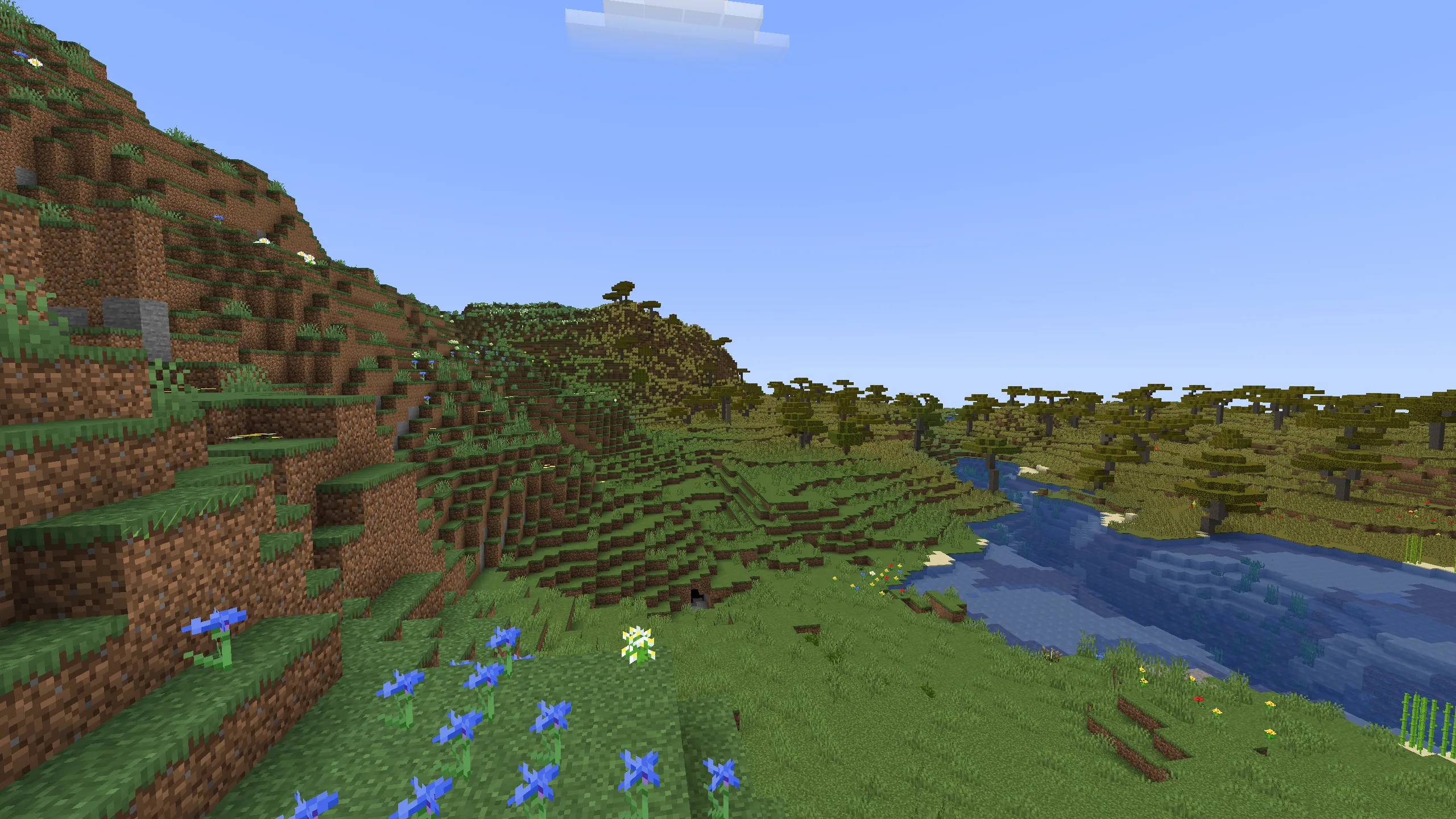
Why you’ll like it
Made to get you playing.
Press Play. That’s it.
Download one small app and join a server. No setup headaches.
Always fresh.
New versions install by themselves. Every download is checked to keep you safe.
Smooth and pretty.
Get more frames per second on many graphics cards. Newer cards can show real-looking shadows and reflections. They are off until you turn them on.DLSS, FSR, XeSS and ray tracing, when your card supports them.
Your texture packs work. Menus look the way you know them. You can pick the same languages as Minecraft. Showing your game on Discord is coming soon.
See it in action.
Real pictures, taken in QuickClient.
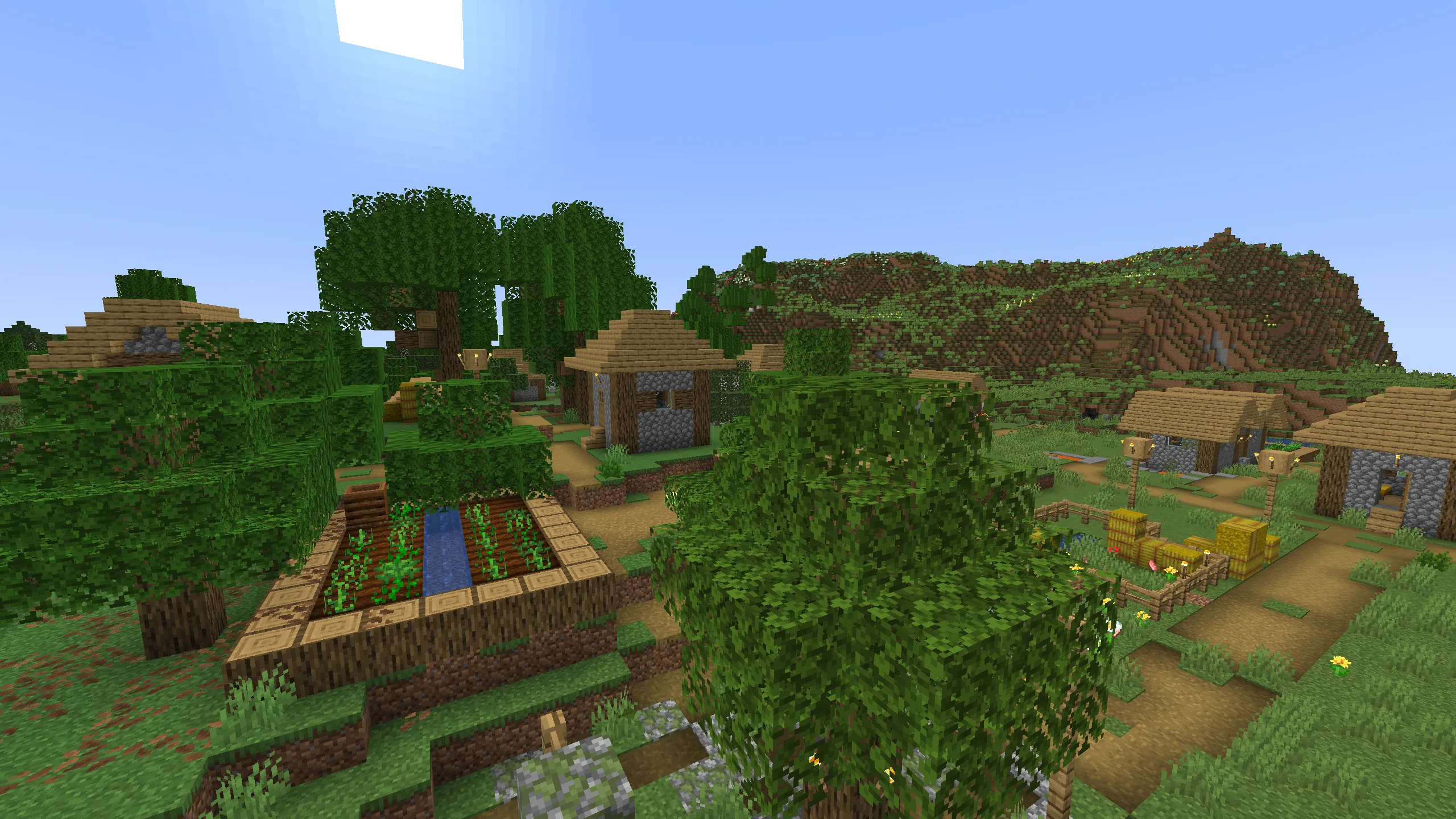
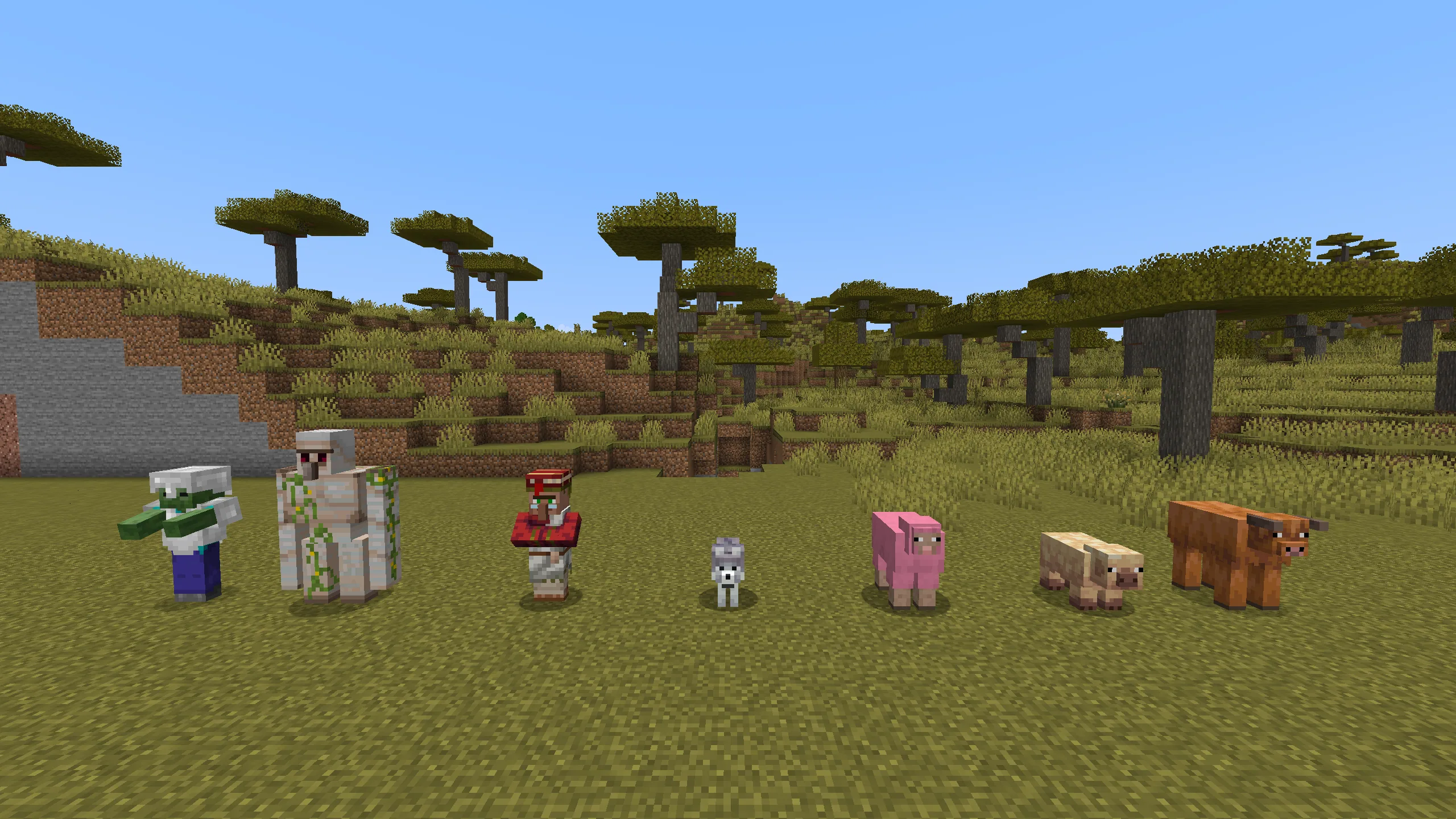
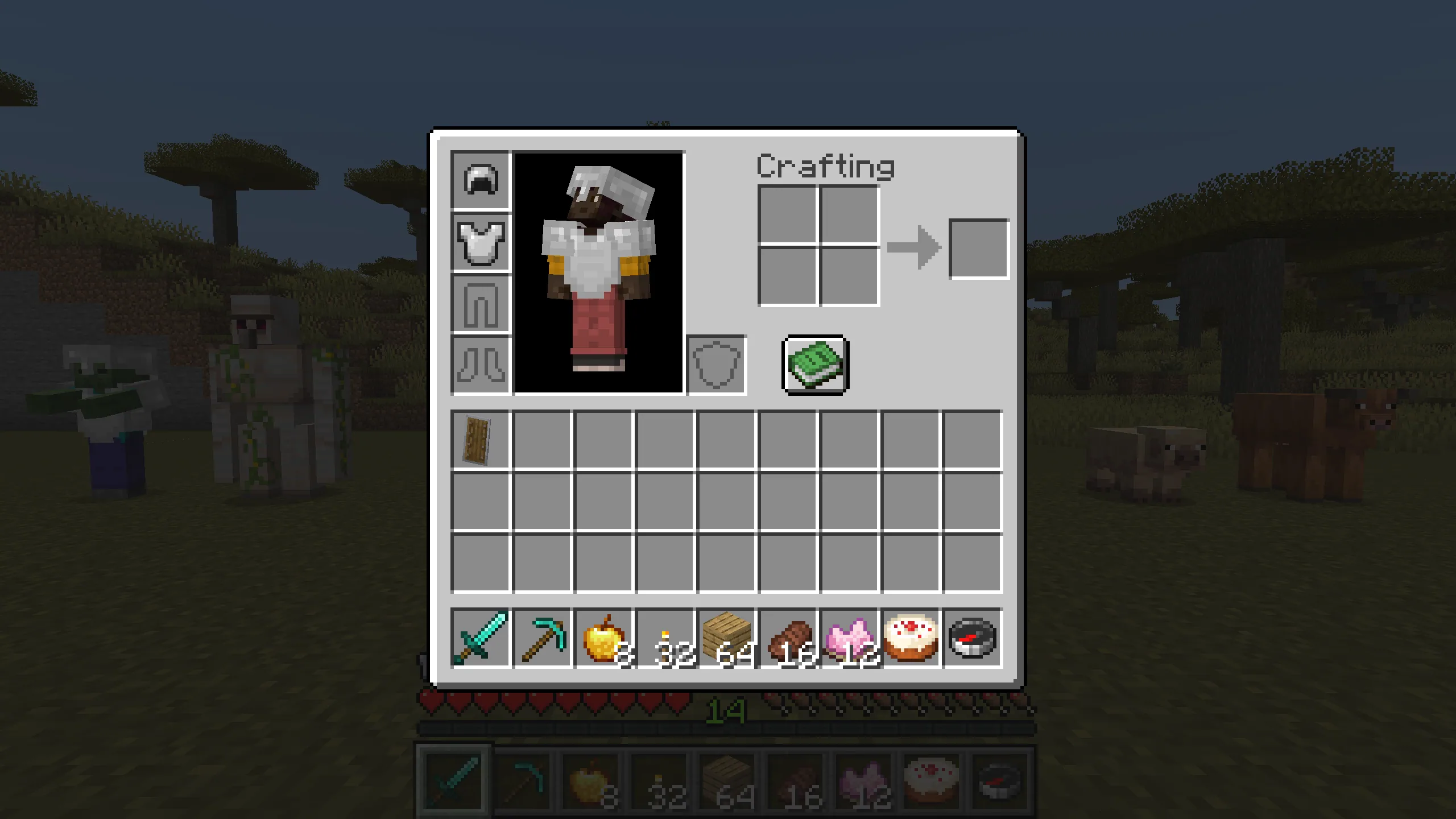
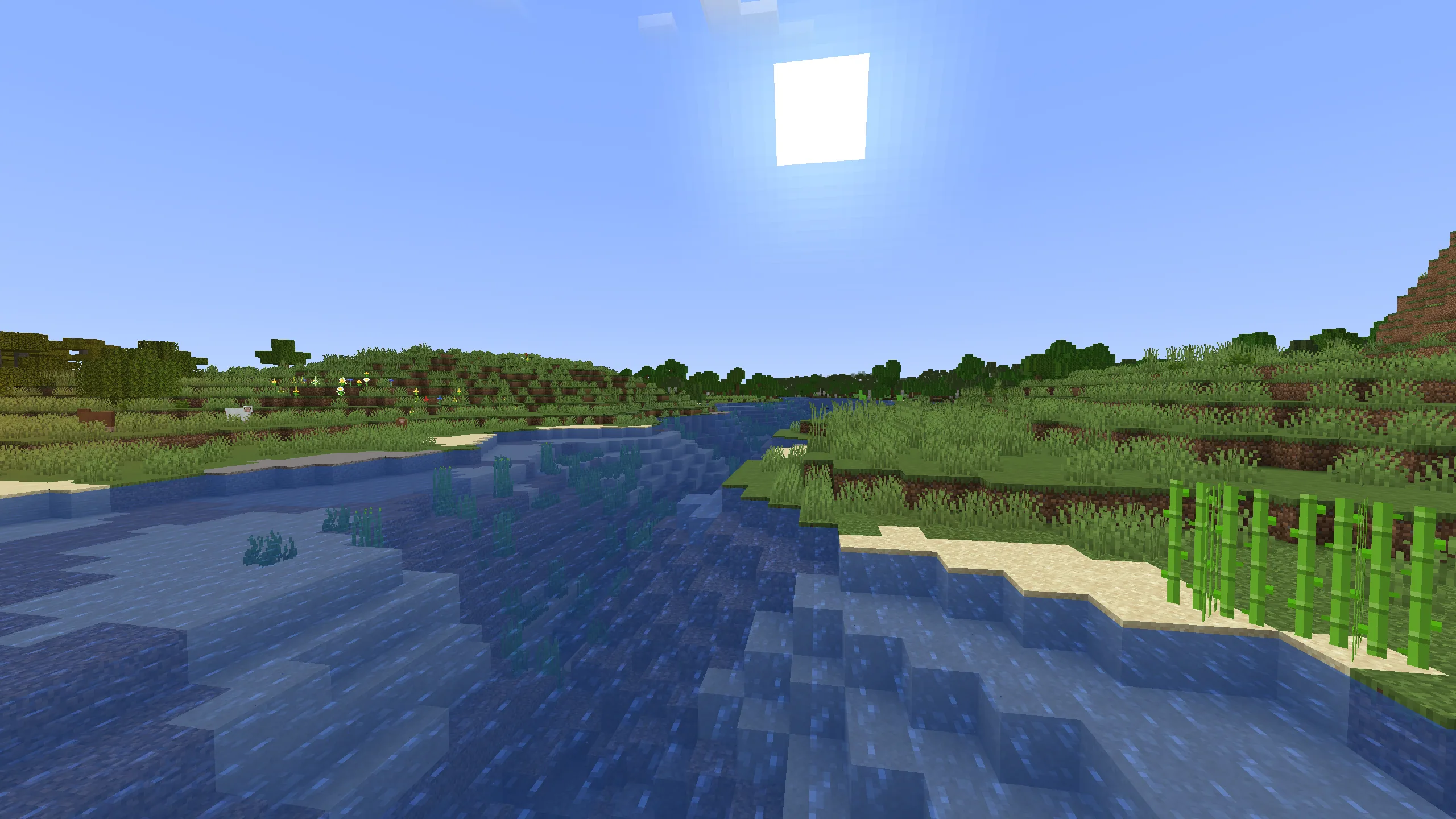
Scroll sideways, or use the arrow keys.
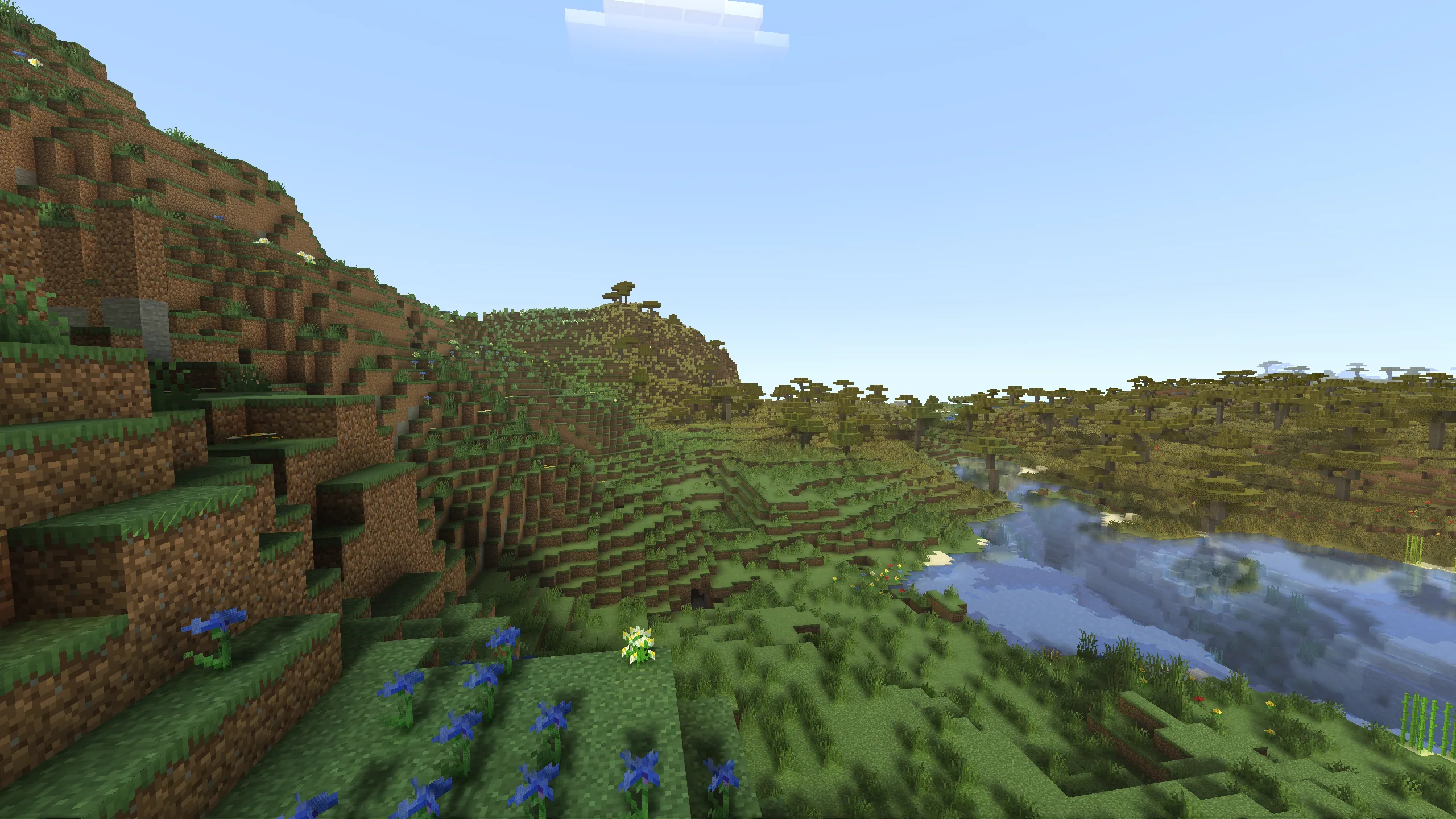
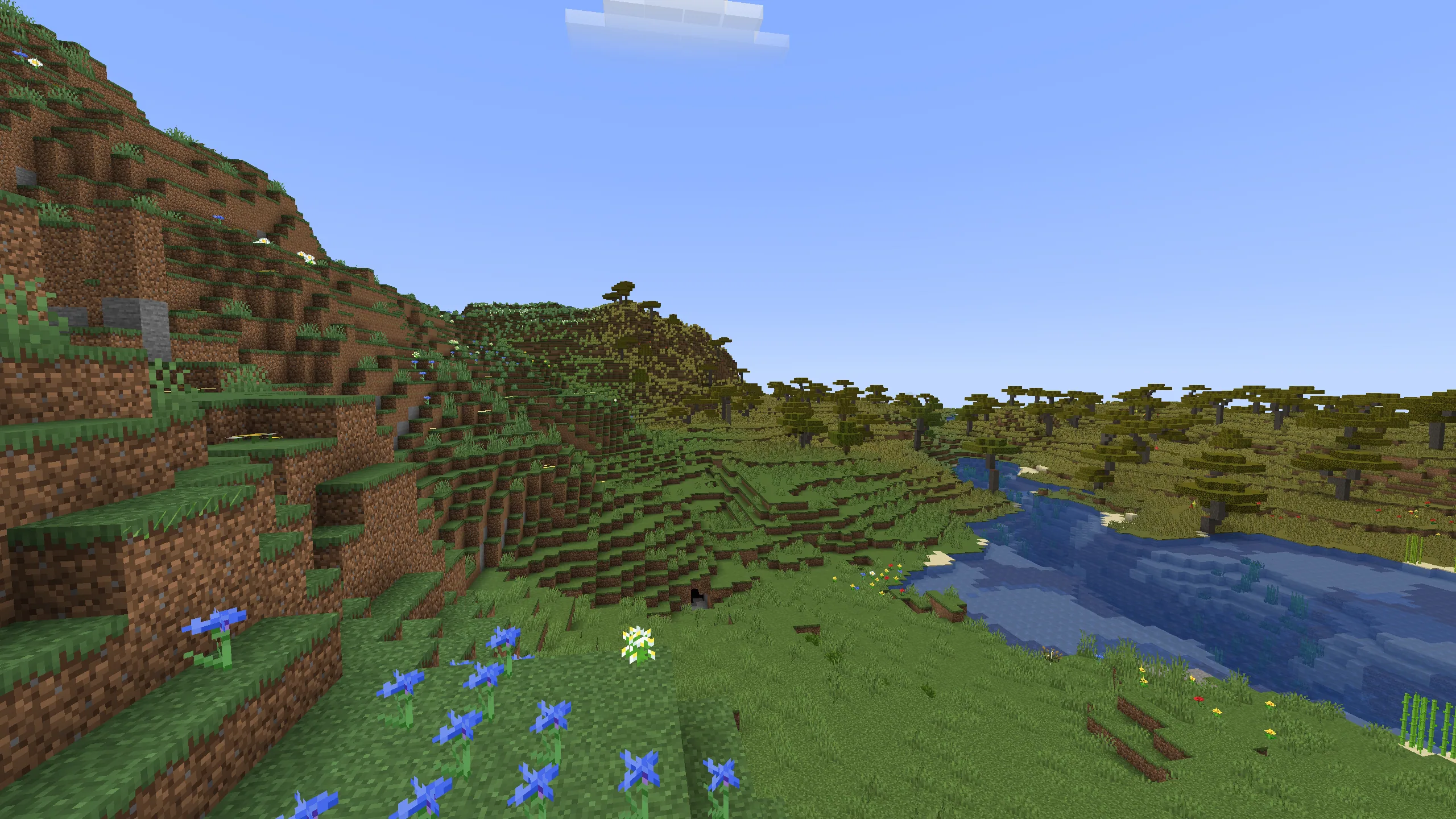
See the light.
Real-time light and shadows. Needs a newer graphics card. Drag the line to see the difference.
Meet Donut.
Our little mascot. Spin it around, or load your own skin to see it in 3D.
Drag to spin. Click to make Donut walk.
Pick a 64×64 skin picture (PNG). It stays on your computer.
Start in three steps.
Download
Click the big pink button to get the launcher.
Press Play
Open the launcher. It gets everything ready. Then press Play.
Join a server
Pick a server from your list and have fun.
Needs Windows 10 or 11 and a graphics card from the last several years.
Questions.
What do I need to run it?
Windows 10 or 11 (64-bit), a graphics card from the last several years, about 1 GB of free space, and internet. Realistic shadows need a newer card, like GeForce RTX or Radeon RX 6000 and up. Windows 10 may ask you to add a free Microsoft component. If the game won’t start, update your graphics drivers.
Is it free?
Downloading from this page doesn’t cost anything today. If that ever changes, we’ll say so here.
Do I need a Minecraft account?
For most servers, yes: a Microsoft account that owns Minecraft: Java Edition. Some servers only ask for a name.
Is it safe?
Every update is checked before it is installed.
Windows says it doesn’t know this app. Is that OK?
Yes. Windows shows this for new apps. Choose “More info”, then “Run anyway”.
Is it made by Mojang or Microsoft?
No. QuickClient is a separate project made by fans. It isn’t approved by or connected to Mojang or Microsoft.
Can I play alone?
No. QuickClient is made for playing on servers.
Do I need internet?
Yes, to play on servers and to get updates. Your installed game still opens if our update server is down.
Which Minecraft version does it play?
Java Edition 26.3.
Where are my files?
In one folder called .quickclient, inside your AppData folder. Delete it to remove everything.